
Attachment Settings allows you to define the mandatory or optional documents required for dematerialization.
Configuration steps
Go to the module Settings > Attachment Settings.
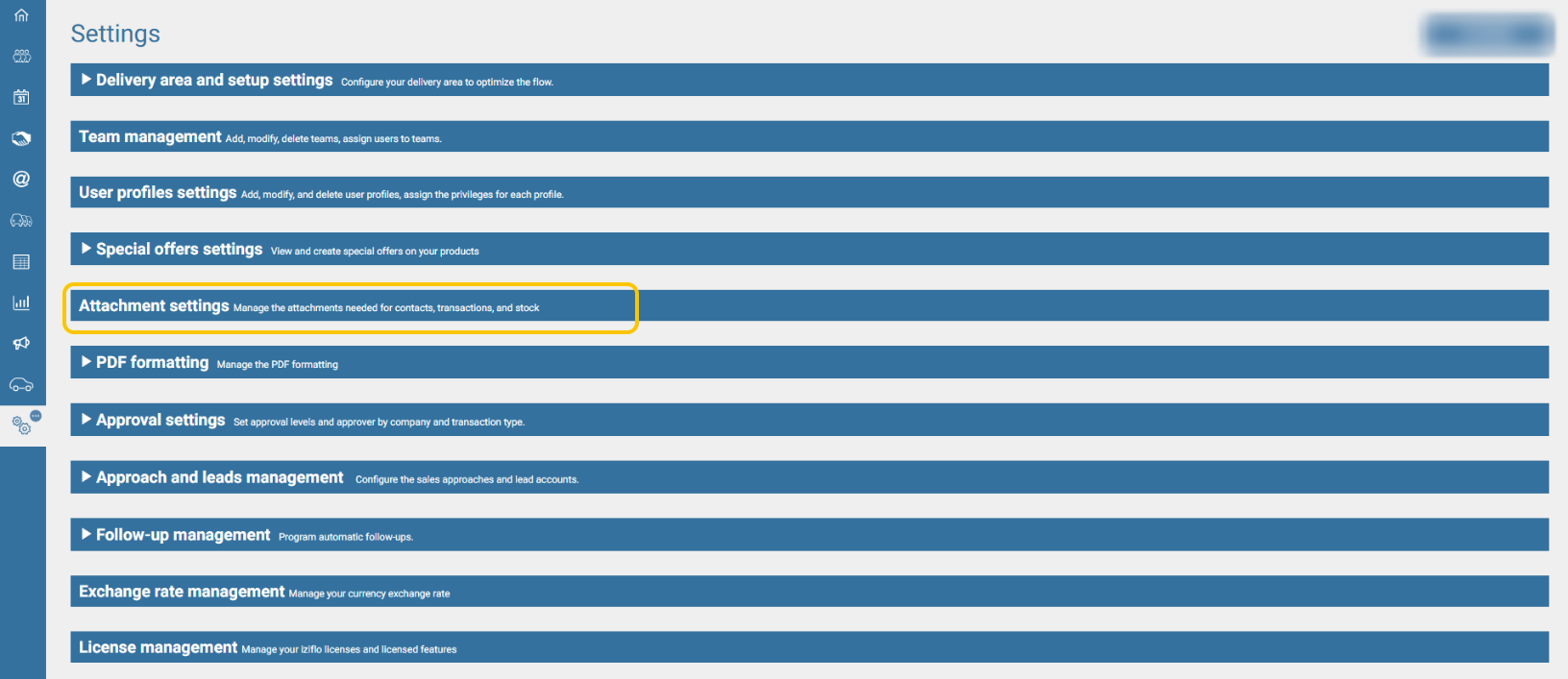
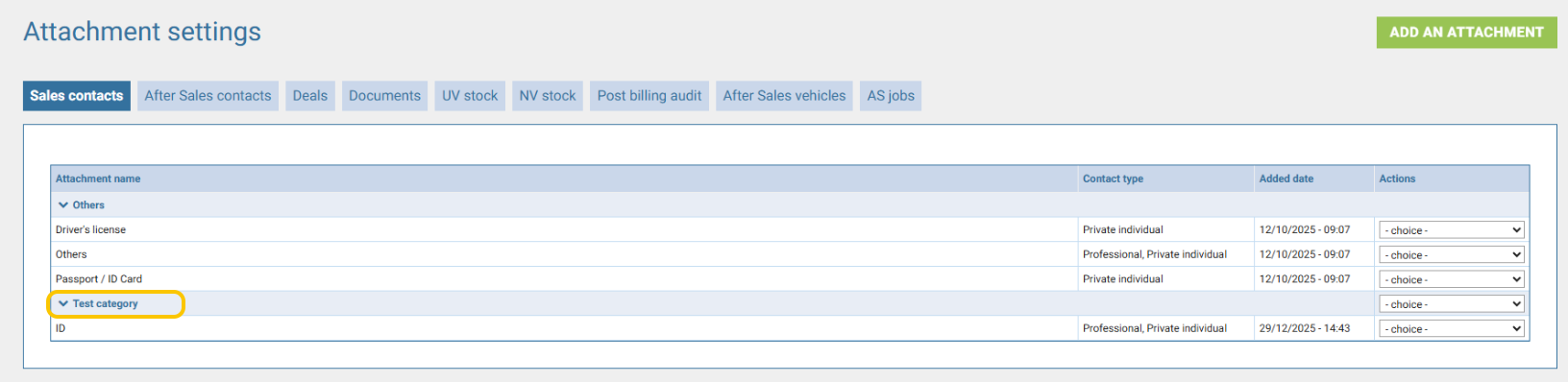
Each attachment is linked to a section (e.g.: Sales Contacts, After-Sales Contacts, Deals, etc.).

A section contains a category and associated information, and may generate specific management rules.
Creating a category
Select the relevant section (e.g.: Sales Contact, After-Sales Contact, Deals).

Click Add an attachment type.
Complete the information.
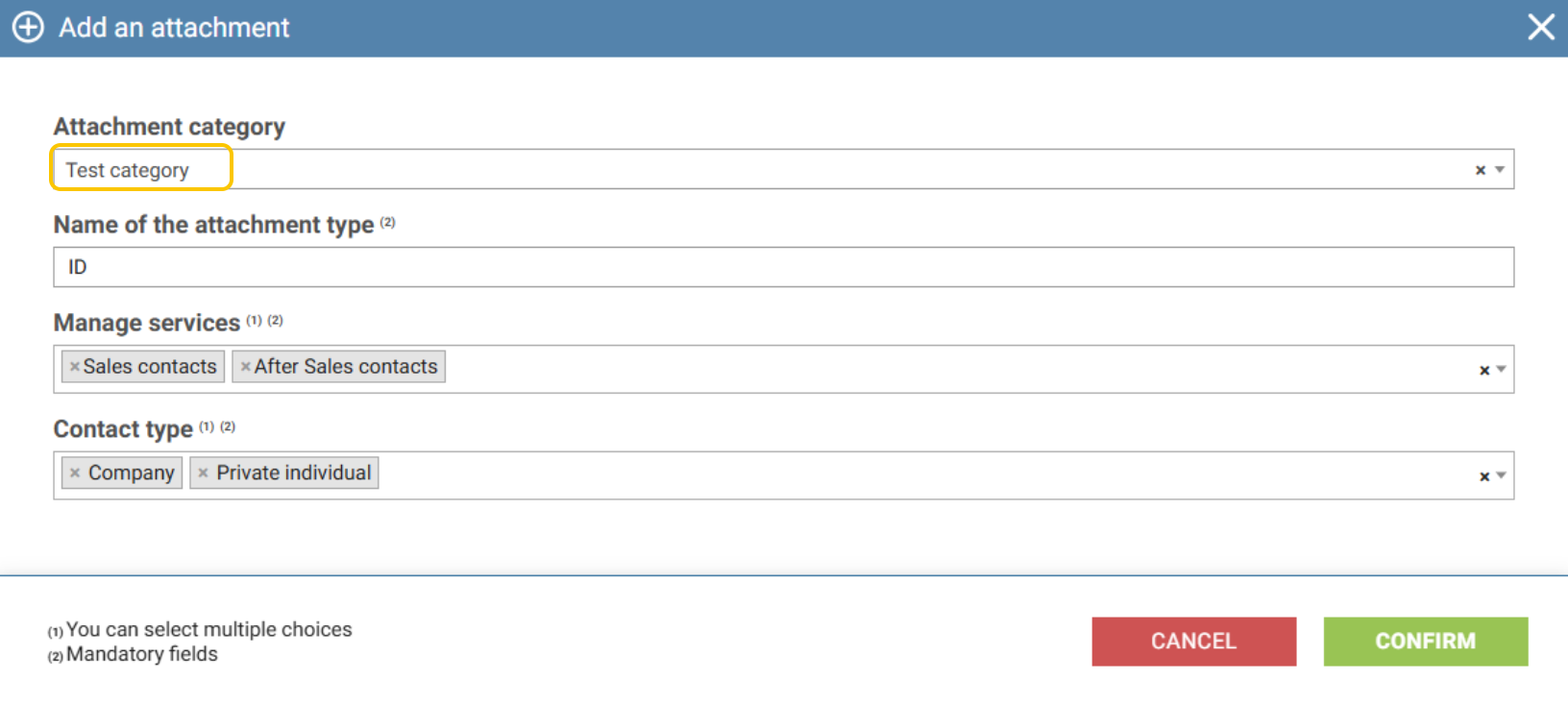
Then confirm to activate the new attachment type in the selected section.
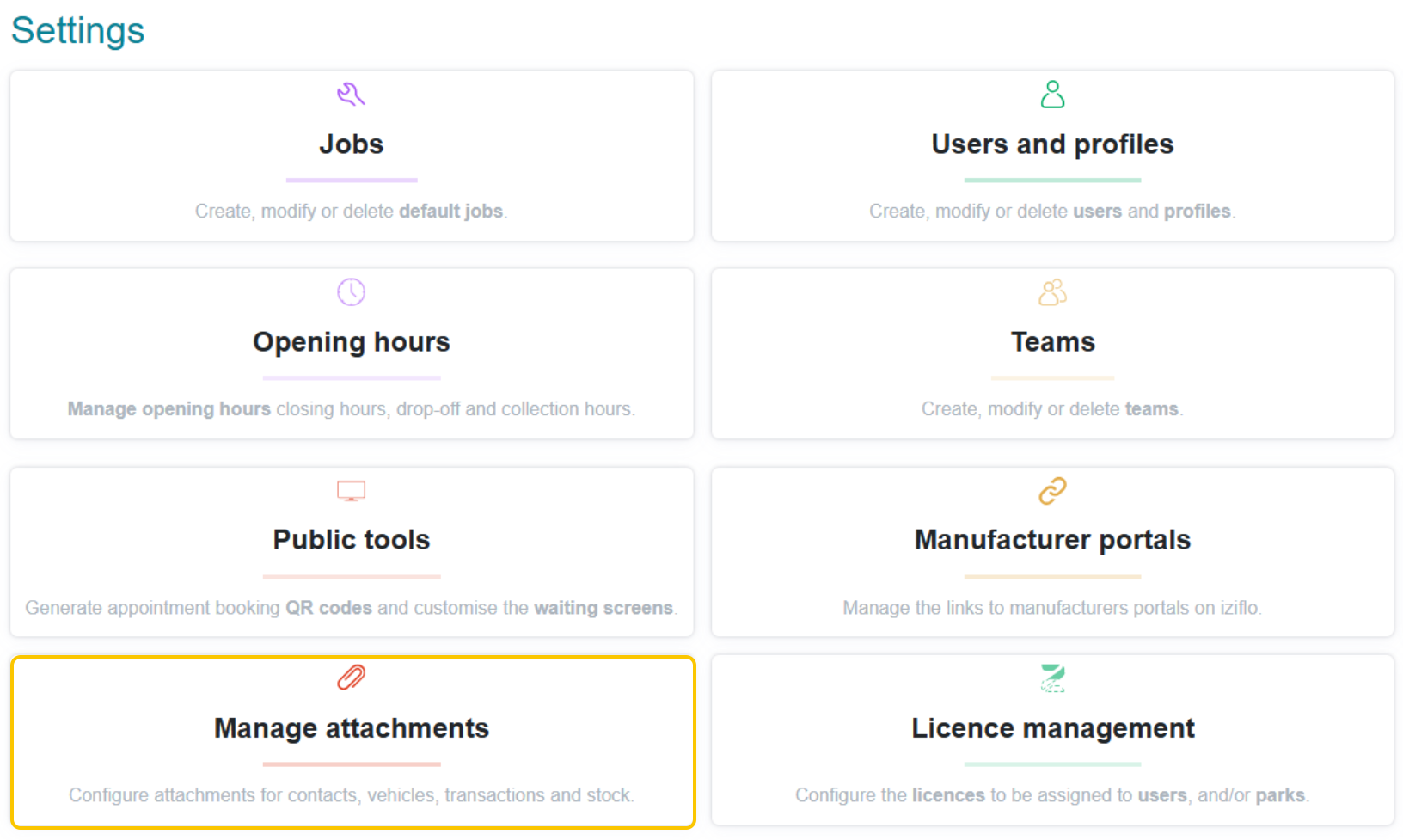
The attachment settings are also available from iziflo Service:
Note: An attachment can be assigned to several categories.